
Remove a watermark from a PDF.
Text stays text.
Upload a PDF and Unstamp removes the watermark as the object it is: an annotation, a layer, a repeated overlay or a line of rotated text. Nothing is flattened to pictures, so your text stays selectable and your fonts and page size stay exactly as they were.
or drop one anywhere on this pagePDF, up to 25 MB each
Nothing is uploaded until you confirm. The confirmation is recorded with each upload; the file and its name are not.
No account. Your file goes into private storage that only this app can read, and is deleted once it has been processed. The cleaned file can be downloaded for one hour, and a daily sweep deletes it, with anything left unfinished, within about 26 hours. The models run inside this app. House rules
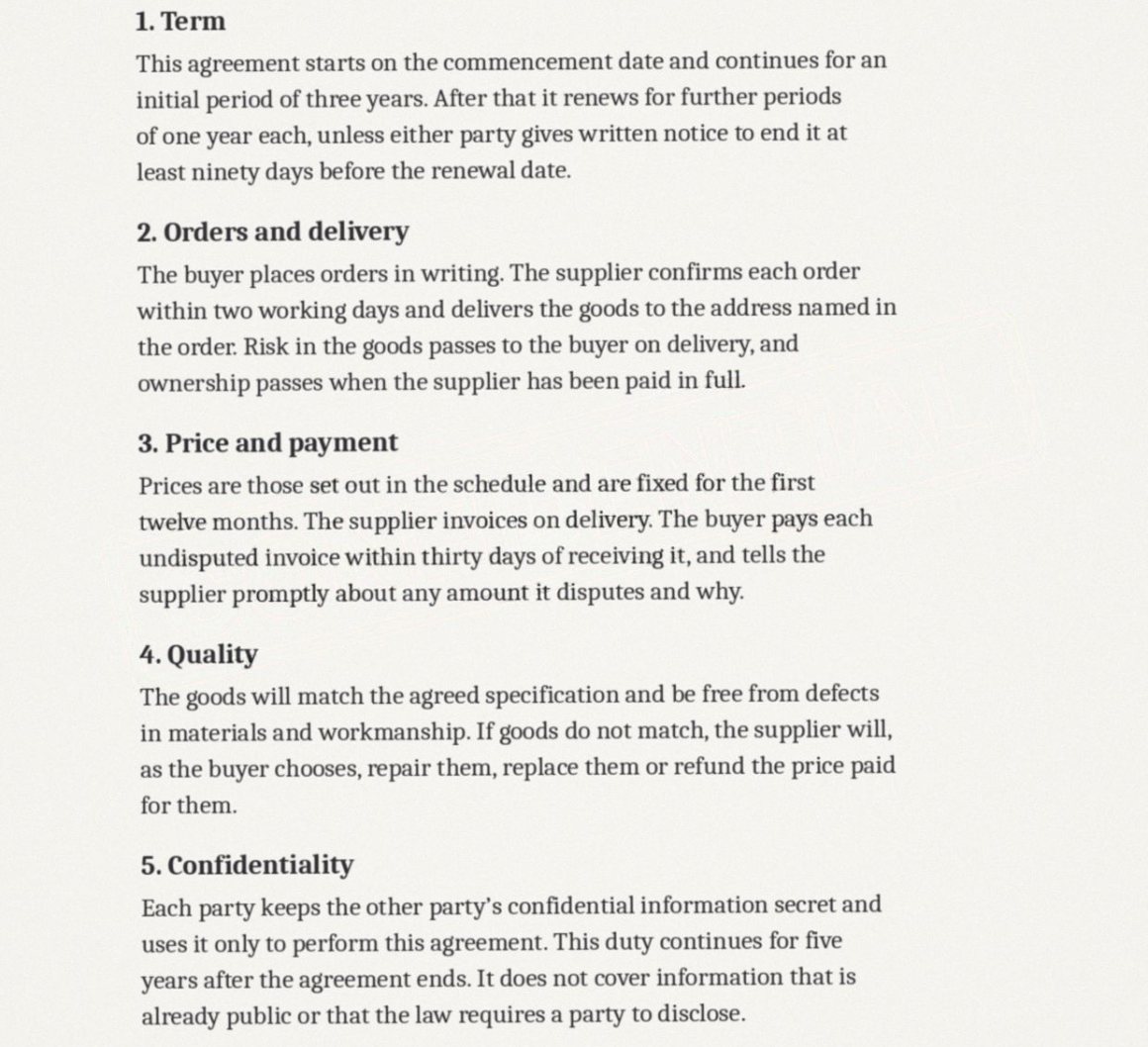
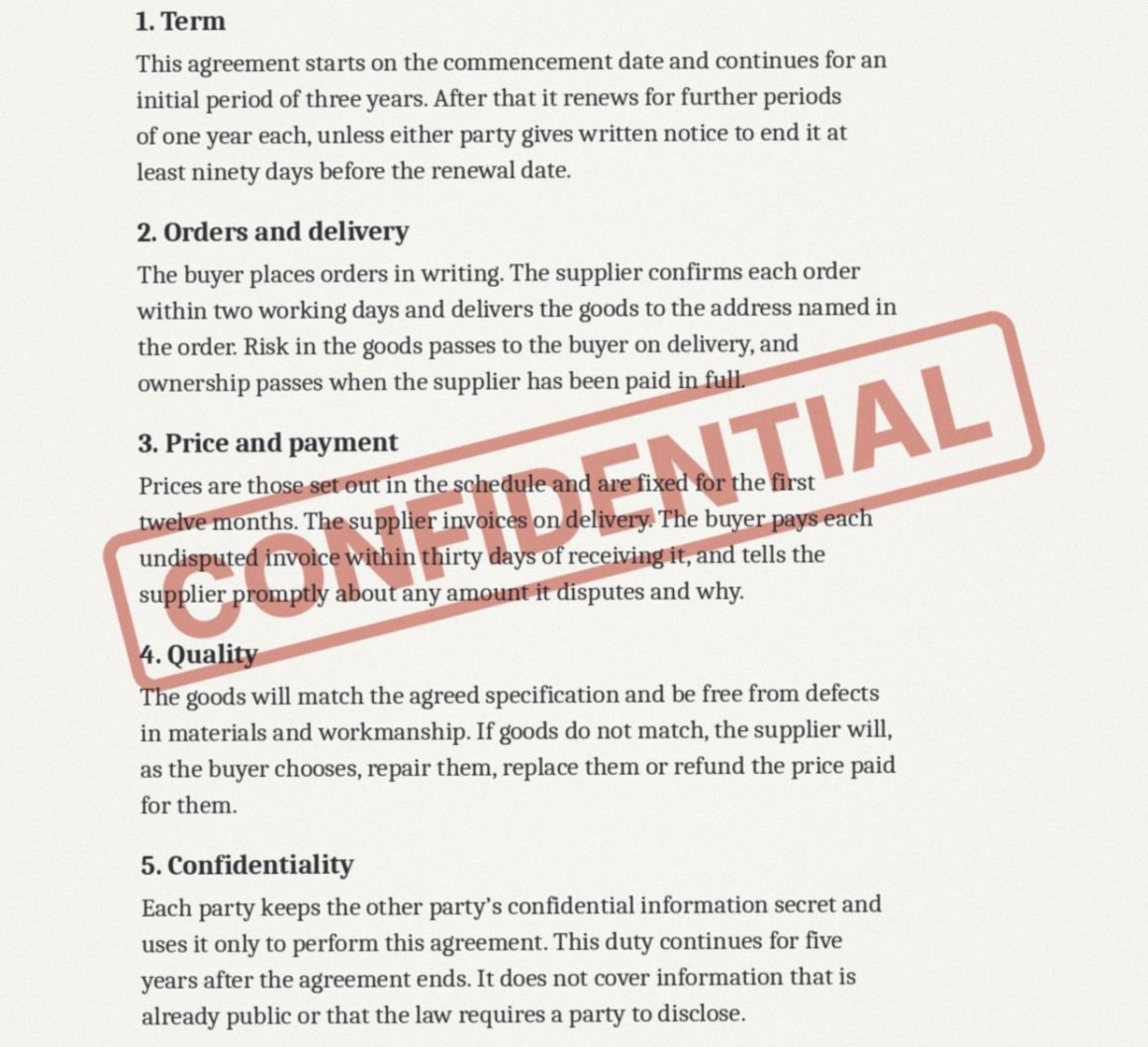
Your files
In a PDF the watermark is an object. It is deleted, not painted over.
Nothing is flattened to pictures, so your text stays selectable and your fonts and page size stay exactly as they were.
Read
The file is opened as a PDF and each page's drawing instructions are read, so the watermark can be told apart from the page it sits on.
Lift
Watermark annotations, optional layers marked as watermarks, rotated or translucent text, and images repeated across the pages are deleted from the file itself.
Report
You are told what was removed and on which pages. If nothing matched, type the watermark's words and run it again.
Scans
If the PDF turns out to be a scan, with pages that are pictures, it is handed to the scan method, which works on the page image and keeps the print.
Before you upload
Will the text in my PDF still be selectable and searchable?
Yes. The watermark is removed as an object inside the PDF. The pages are not turned into pictures, so text, fonts, links and bookmarks are left as they were.
What kinds of PDF watermark can it remove?
Watermark annotations, layers marked as watermarks, large rotated or translucent text such as DRAFT across a page, images repeated on every page, and any phrase you type in.
It said nothing matched. What now?
Some watermarks are plain text with nothing to mark them out. Type the exact words into the phrase box and run the file again. If the watermark shares a text object with other words, it is redacted in place and you are told which page to check.
My PDF is password protected.
Remove the password first, then upload it again. Unstamp does not open protected files.
What does it cost?
Nothing at the moment. Finding the mark, seeing the result and downloading the clean file are all free while Unstamp is being opened up.
Is my file kept?
Not for long. Your upload goes into private storage that only this app can read, and is deleted once it has been processed. The cleaned file can be downloaded for one hour, and a daily sweep deletes it, with anything left unfinished, within about 26 hours. The models run inside this app, and nothing is used for training.
Can I use this on a document that is not mine?
No. Unstamp is for documents you own or have permission to edit, and it asks you to confirm that before anything is processed. It refuses stock agency marks and AI generator labels outright.