
Remove a watermark from a Word document.
Get Word back.
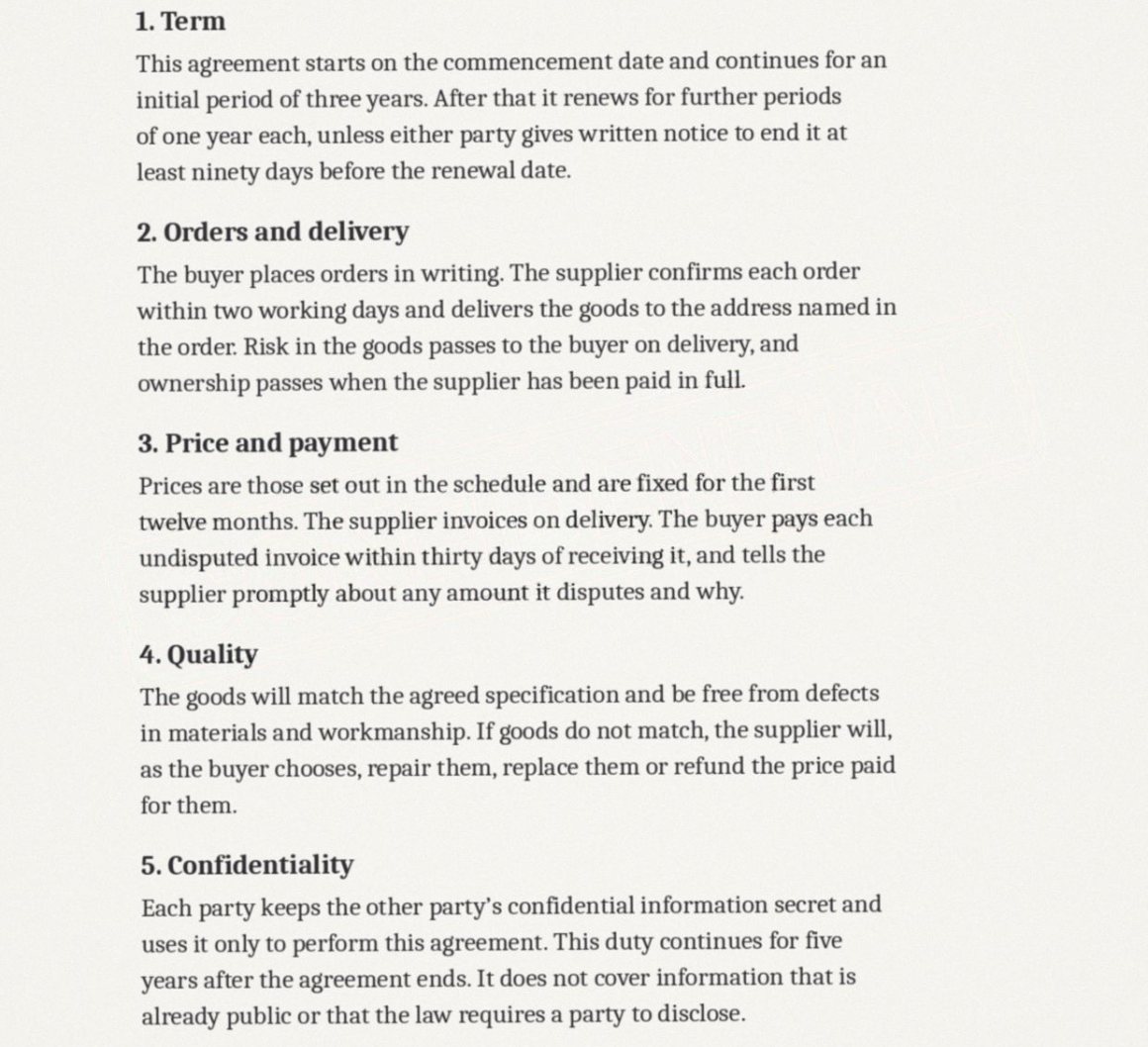
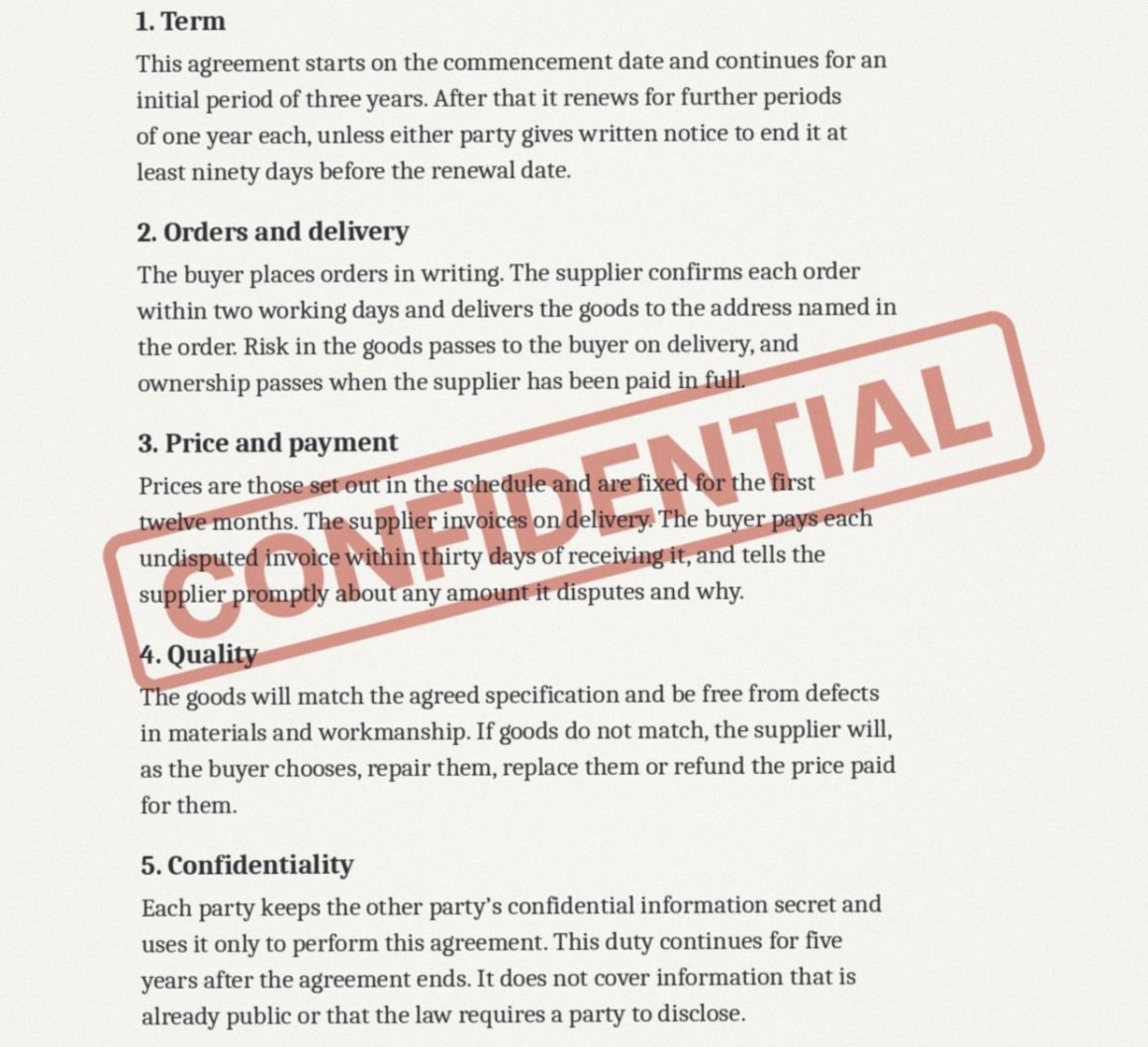
A Word watermark is a shape tucked into the page header, which is why it is so awkward to select by hand. Unstamp opens the .docx, deletes that shape from every header it appears in, and returns a .docx with your text, styles and tracked changes untouched.
or drop one anywhere on this pageWord .docx, up to 25 MB each
Nothing is uploaded until you confirm. The confirmation is recorded with each upload; the file and its name are not.
No account. Your file goes into private storage that only this app can read, and is deleted once it has been processed. The cleaned file can be downloaded for one hour, and a daily sweep deletes it, with anything left unfinished, within about 26 hours. The models run inside this app. House rules
Your files
Word keeps the watermark in the page header. Unstamp takes it out of the file itself.
The body of the document is not rewritten. Your text, styles and tracked changes come back untouched, as a .docx.
Open
A .docx is a bundle of small files. Unstamp reads the headers, footers and page background, which is where Word keeps a watermark.
Lift
Text watermarks, picture watermarks and page backgrounds are deleted as objects. The body of the document is not rewritten.
Return
You get a .docx back, ready to open in Word, Pages or Google Docs, with a note of what was removed.
Before you upload
Why can I not just delete the watermark in Word?
You can, through Design then Watermark then Remove Watermark, when Word put it there. It often fails for watermarks added by a template, by another program, or section by section, because the shape sits in headers you cannot easily reach. Unstamp removes it from every header in the file.
Does it change my text or formatting?
No. Only the watermark shape, picture or page background is deleted. Text, styles, comments and tracked changes are left exactly as they were.
Does it work on .doc files?
Not yet. Open the file in Word and save it as .docx first.
The watermark is ordinary text in my header.
Type its exact words into the phrase box and run the file again. A header paragraph that says only that phrase is removed.
What does it cost?
Nothing at the moment. Finding the mark, seeing the result and downloading the clean file are all free while Unstamp is being opened up.
Is my file kept?
Not for long. Your upload goes into private storage that only this app can read, and is deleted once it has been processed. The cleaned file can be downloaded for one hour, and a daily sweep deletes it, with anything left unfinished, within about 26 hours. The models run inside this app, and nothing is used for training.
Can I use this on a document that is not mine?
No. Unstamp is for documents you own or have permission to edit, and it asks you to confirm that before anything is processed. It refuses stock agency marks and AI generator labels outright.