
Clean a stamp off a scanned PDF.
The print underneath stays.
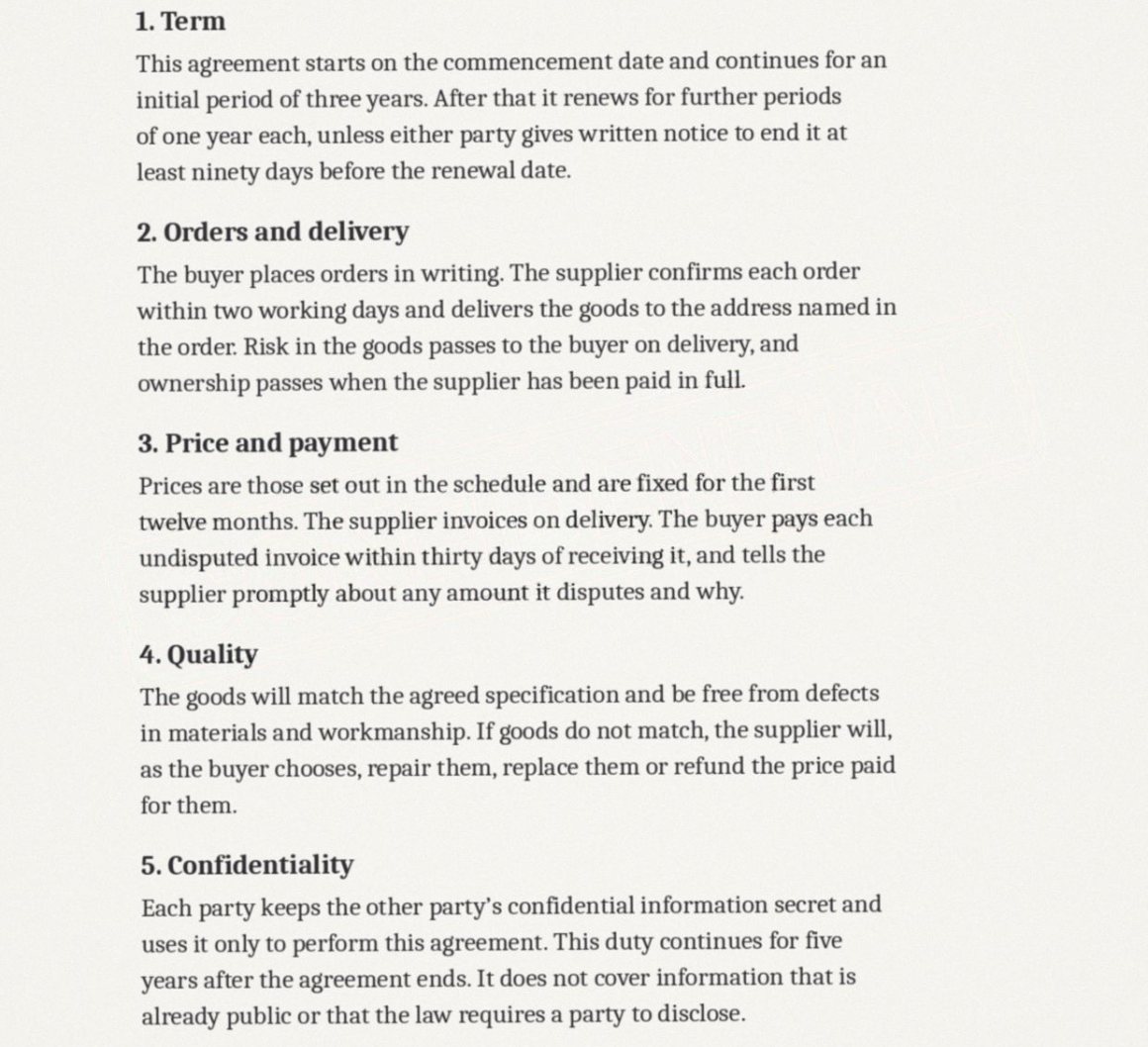
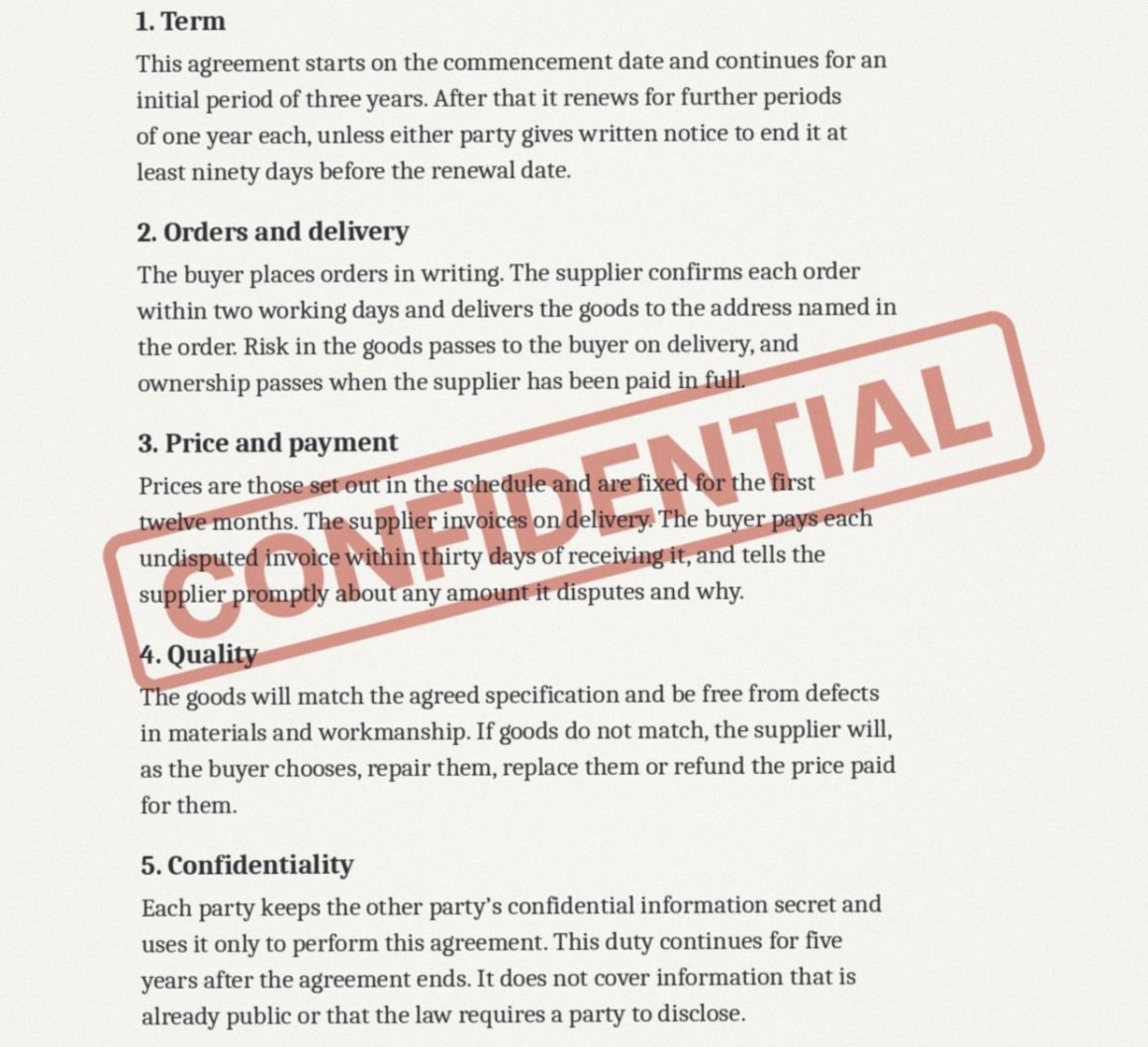
A scan is a picture of a page, so there is no watermark object to delete, and most PDF tools stop there. Unstamp finds the mark on every page, measures how far it darkened the paper, and reverses exactly that, so the printed words under it keep their weight.
or drop one anywhere on this pageScanned PDF, up to 25 MB each
Nothing is uploaded until you confirm. The confirmation is recorded with each upload; the file and its name are not.
No account. Your file goes into private storage that only this app can read, and is deleted once it has been processed. The cleaned file can be downloaded for one hour, and a daily sweep deletes it, with anything left unfinished, within about 26 hours. The models run inside this app. House rules
Your files
On a scan the stamp is part of the picture. That is the hard case, so we built for it.
Unstamp reads how far the stamp darkened the paper, measures its cover pixel by pixel, and reverses exactly that. Letters under the stamp keep their weight, and the rest of the page is not touched.
Find
A detection model looks at each page and outlines the watermark. You see what it found, page by page, and can correct it before anything changes.
Paper
The stamp's shift is read off the blank paper, its cover is measured pixel by pixel, and the blend is reversed. Text that runs under the stamp comes back at its own weight.
Same file
Each page image is written back into the same PDF at its original quality. Page count, page size and order do not change.
Before you upload
How is a scanned PDF different?
In an ordinary PDF the watermark is a separate object that can be deleted. In a scan the watermark is part of the picture of the page, mixed in with the paper and the print. It has to be found and taken out of the image itself.
What happens to text underneath the stamp?
It is kept. A stamp such as DRAFT is nearly always lighter than printed ink, so Unstamp can measure how much the stamp darkened each pixel and take away exactly that, letter edges included.
Do I have to mark every page?
No. The mark is found automatically on each page. You can switch pages off, copy one page's outline to the others, or paint over anything that was missed.
Will the scan look recompressed?
Each page image is written back at the quality it had. Only the pixels under the mark change.
Does it handle a dark or solid stamp?
A stamp that hides the text completely cannot be reversed, because the words under it are no longer in the scan. Those pages fall back to repainting the area from its surroundings, and you see the result before you download.
What does it cost?
Nothing at the moment. Finding the mark, seeing the result and downloading the clean file are all free while Unstamp is being opened up.
Is my file kept?
Not for long. Your upload goes into private storage that only this app can read, and is deleted once it has been processed. The cleaned file can be downloaded for one hour, and a daily sweep deletes it, with anything left unfinished, within about 26 hours. The models run inside this app, and nothing is used for training.
Can I use this on a document that is not mine?
No. Unstamp is for documents you own or have permission to edit, and it asks you to confirm that before anything is processed. It refuses stock agency marks and AI generator labels outright.